
Selio for Restaurants
See how Selio handles real service flows with more speed and control.
Explore the sections below and follow how orders, team operations, and day-to-day execution connect together.

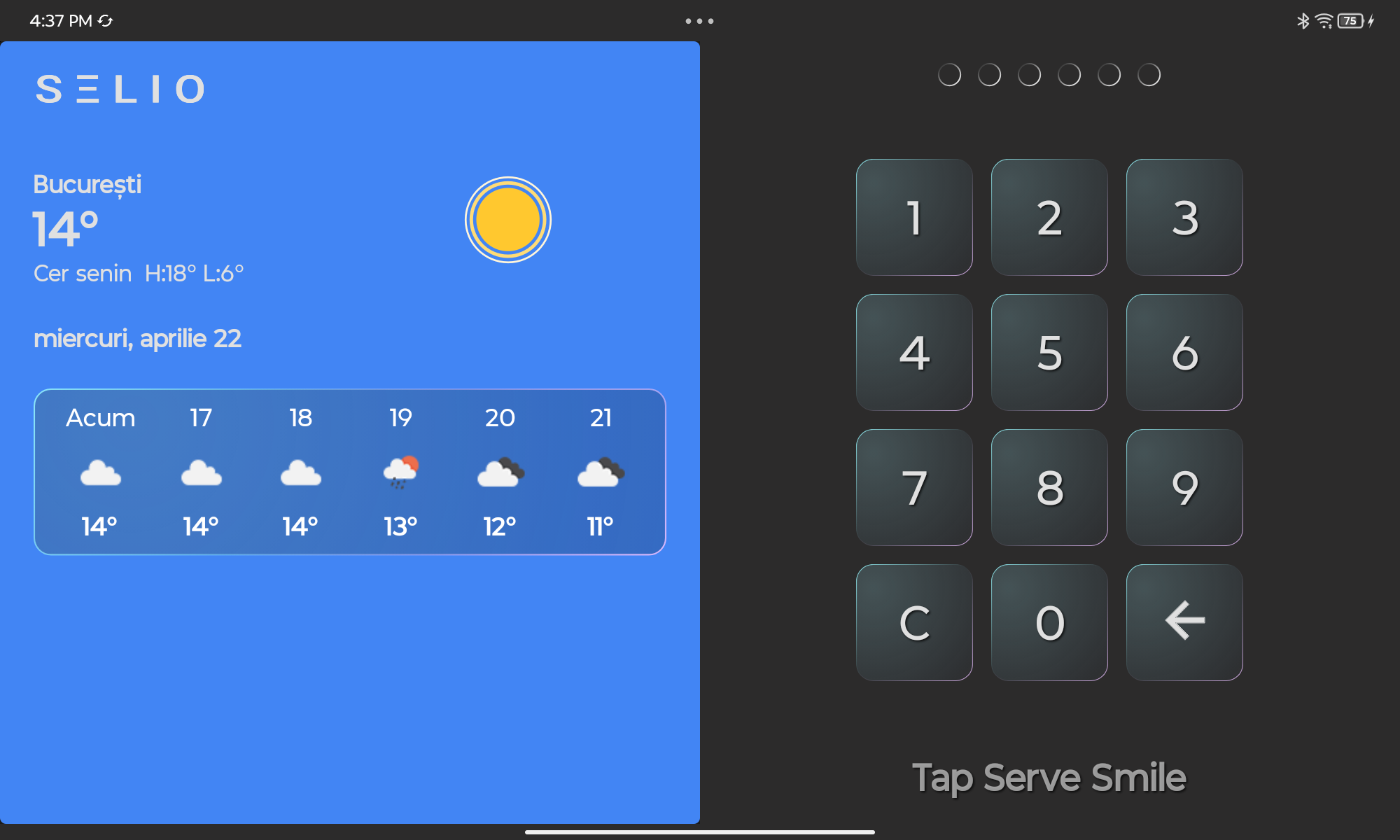
Lesson 01
How to Login
See how staff sign in with a PIN and access the main sales screen.
How to Login
Well done! You’ve completed this lesson.
How to Login →
See how staff sign in with a PIN and access the main sales screen.
2
Start an Order →
Open a table, add items, update quantity, and review the order.
3
Apply Discounts →
See how to apply a discount to a single item in Selio POS.
You see how ordering, operations, and service flows work in an experience that stays close to real restaurant use.