
Selio Mobile for Restaurants
See Selio Mobile flows for fast service and on-the-go operations.
Explore the lessons below and follow how you add items, send orders, and operate directly from the phone.
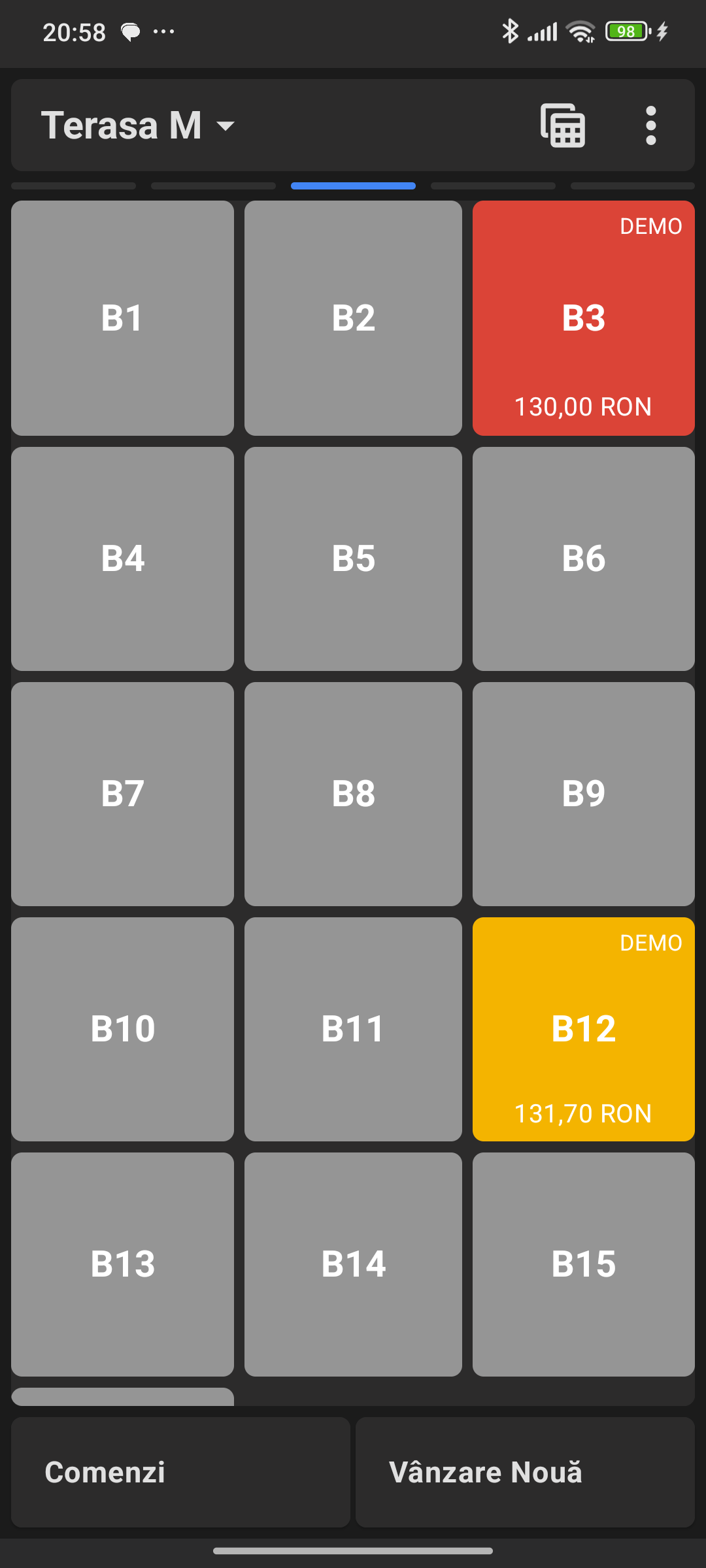
Lesson 01
Start an Order
Learn how to add items and send an order.
Start an Order
Well done! You’ve completed this lesson.
Start an Order →
Learn how to add items and send an order.
You see fast service and operational flows designed for direct phone use.