
Operations
How to review menu changes before service
Treat every menu change as an operational handoff, not just a product edit.
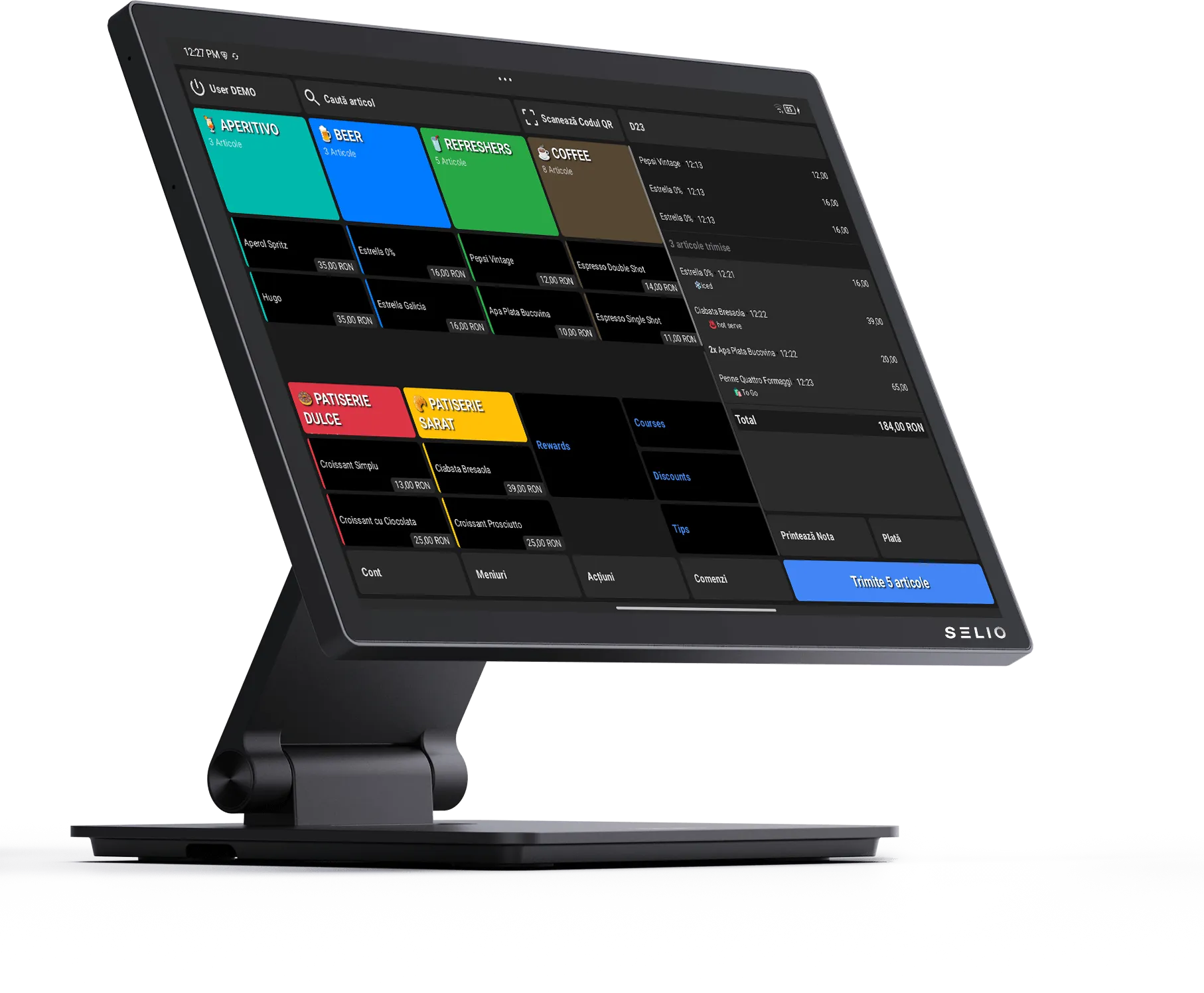
Treat menu work as a handoff
Menu updates touch more than the back office. A price, category, modifier, or availability change affects the person taking the order, the guest seeing the item, and the kitchen preparing it.
Review the visible structure
Start with categories and menus. Confirm the items appear where staff expect them, then check whether the names are clear enough for quick service.
Check product details
Review prices, modifiers, combo products, and unavailable items. If a product is not ready to sell, mark it clearly before the shift starts.
Publish deliberately
Publishing should be the last step, not the first. Ask one operator to review the menu from the service side before the changes go live.
Keep a short change note
Leave one clear note for the shift: what changed, why it matters, and what staff should watch during service.
Selio in practice
Take the idea and use it during service.
For exact steps, use the Support Center. For fit and setup questions, talk with Selio about your business.
25+ years in HoReCa, with experience in operations, workflows, and inventory.