
Operations
The service readiness checklist for busy teams
Use this as the opening shift pass before the first order reaches the counter, table, or delivery screen.
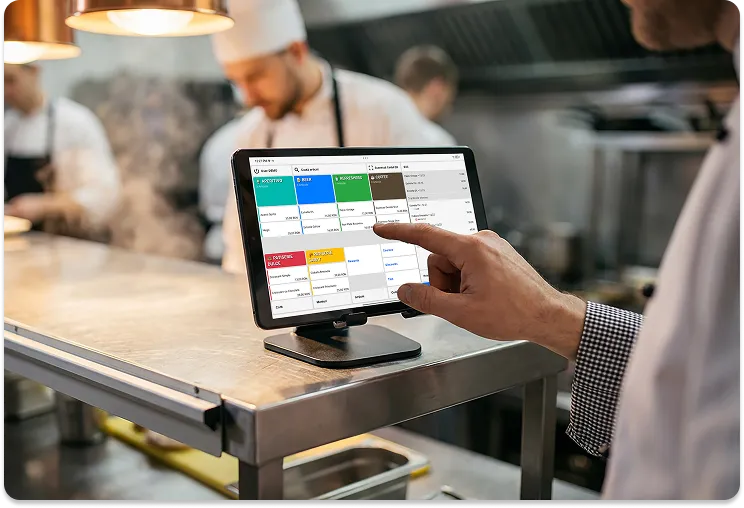
Start with access
Before the first order, confirm the team can sign in to the POS, manager, and any kitchen screens they need for the shift. This check should happen before the room is busy, because access issues become operational issues once orders start.
Walk the order path
Place one internal test order through a source the team will use during the shift, such as New Sale, Floor Plan, or a configured delivery flow. Watch where the order appears, which station receives it, and whether staff understand the next action.
Check menu and availability
Review the items that changed since the last service. Confirm visible categories, prices, modifiers, and unavailable products before guests see the menu.
Confirm hardware readiness
Check power, network, printers, KDS screens, and payment devices. A device that works in isolation can still fail the shift if it is assigned to the wrong station or placed where staff cannot use it quickly.
End with reporting
Before opening, make sure the person closing the shift knows where to review live sales and transaction reports. The closing process starts with a clean opening routine.
Practical pass
- Sign in on the devices used today.
- Review the live menu and unavailable items.
- Test one order path.
- Confirm printers and KDS screens.
- Agree who reviews payments and reports at shift close.
Selio in practice
Take the idea and use it during service.
For exact steps, use the Support Center. For fit and setup questions, talk with Selio about your business.
25+ years in HoReCa, with experience in operations, workflows, and inventory.