
Hardware
Hardware readiness for a new location
New-location setup is easier to review when devices, stations, and fallback plans are checked together.
Start with the role of each device
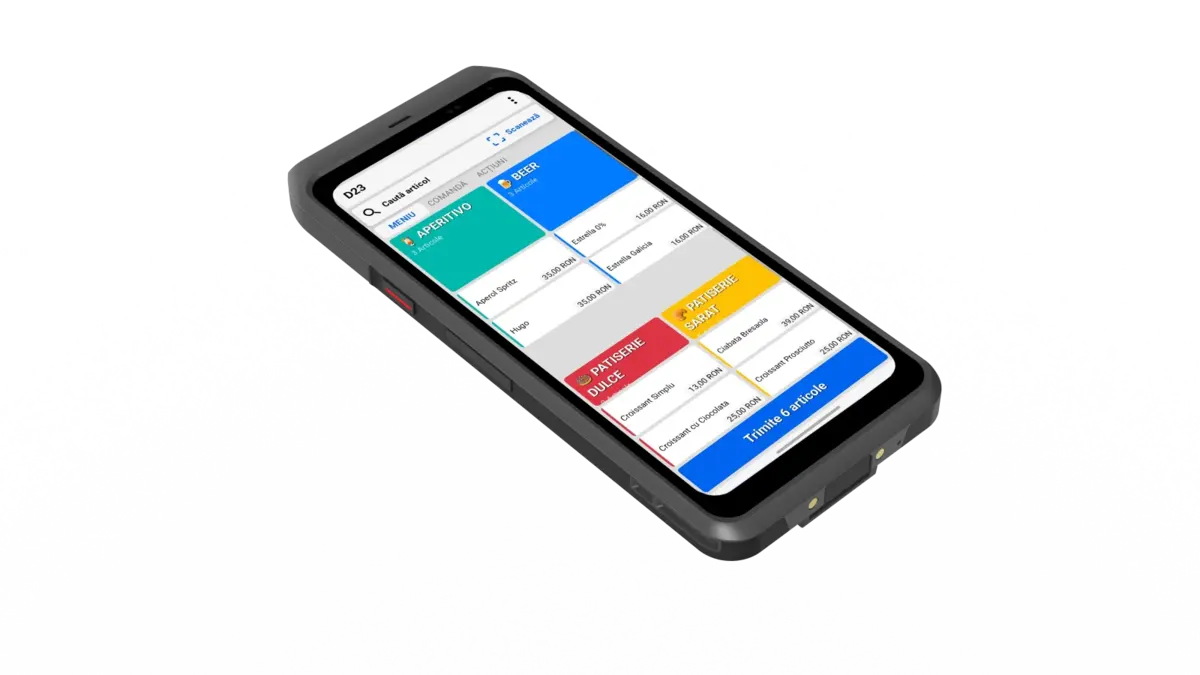
Before placing devices, decide what each one does: POS, mobile POS, printer, KDS, customer-facing screen, or backup device. Placement should follow the job, not the other way around.
Check power and network first
Network and power are the foundation for every station. Review them before device pairing, printer tests, or KDS routing.
Test printers in context
Do not test a printer only from the settings screen. Test it with the order flow that will use it during service.
Prepare KDS screens
If the location uses KDS, confirm each screen, station, and route before opening. The kitchen should not discover routing questions during the first rush.
Document reassignment
If devices move between locations or stations, keep the reassignment visible. That reduces confusion when staff recognize a device from a previous setup.
Selio in practice
Take the idea and use it during service.
For exact steps, use the Support Center. For fit and setup questions, talk with Selio about your business.
25+ years in HoReCa, with experience in operations, workflows, and inventory.